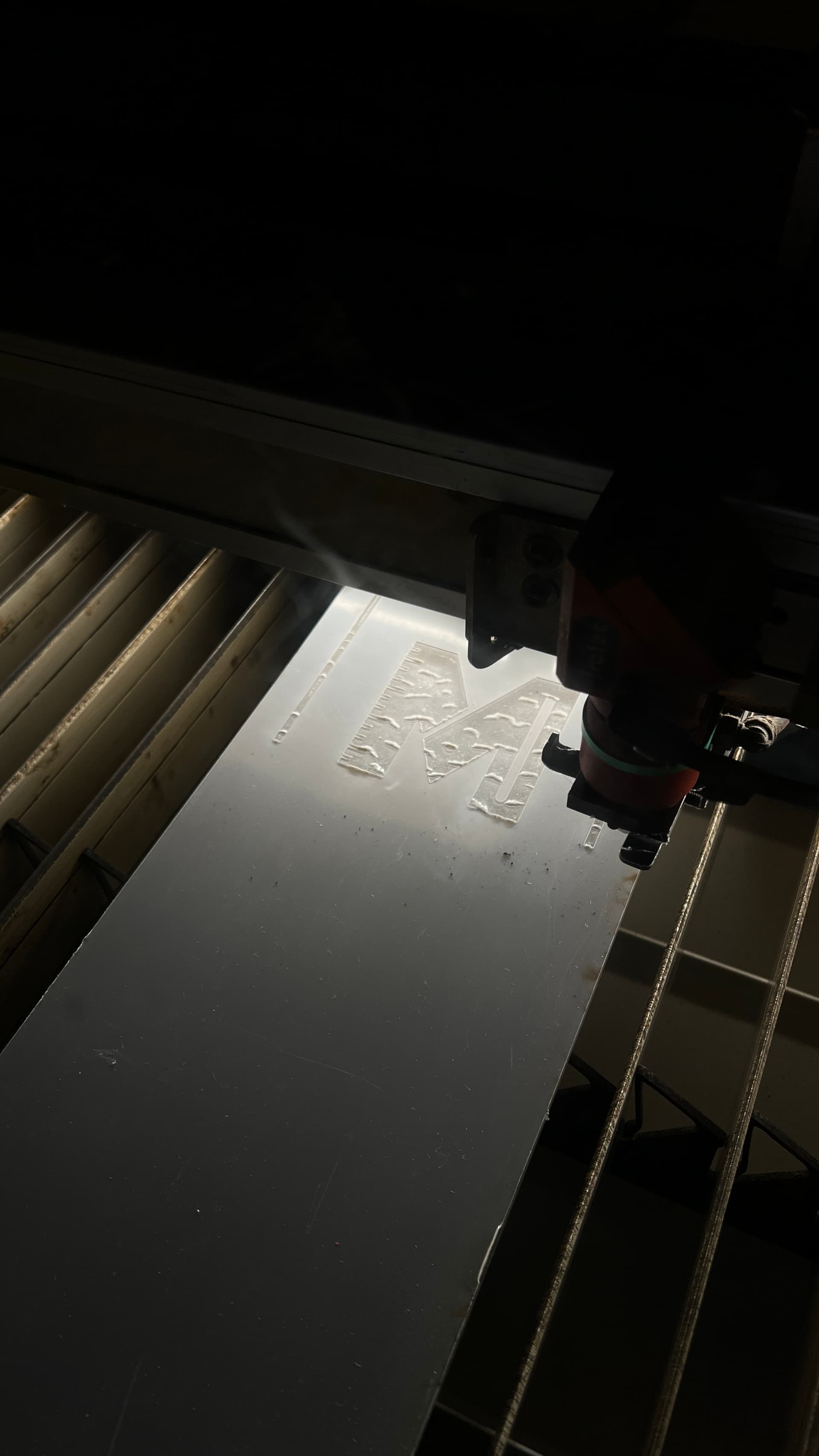
Bedsize - 1245x710mm (huuuge)
Tube power - 93w (tube is rated to 85w so plenty of life yet!)
Lens - 2.5" (special lens type for clearance for more versatile cutting)
The tube is in good condition, the machine itself has never had a fault since it was installed at Fosters in 2013 - and has had yearly services from Trotec - basically we got a gem of a machine!
Its not as fast or a high resolution as the 300, however the larger bed size is a serious game changer when it comes to possibilities.
To do list:
Tool control (@systems - Please can someone tag the appropriate person?) There is a powersupply and space for tool control on the main distro board on the wall) The interlock to use on the laser is the one on the left side of the hood. It needs adjusting anyway.
Ethernet - We need an ethernet port for the new laser pc connection - Can we just run a splitter from the existing ethernet port (down by the 300)
PC install - Im going to build some sort of rudimentary table/surface for the 500’s pc to sit on the right side of the new laser, next to the controls on the cab.
Extraction - The fan is ready and plenty powerful - We just need some sort of filtration before the fan. I have a plan however i’m no metalworker. Any help would be appreciated - Need some ducting (I consulted Dave today who showed me where it is in metal workshop) @metaltechs
Thats it! Other than the above the machine is ready to go, Ruby is fully configured and from my testing today, the laser is in fantastic condition.
Massive massive thanks and shoutout to @danielbenton, @joeatkin2 and @stefanoromano for all their help so far, Who have all helped with the hardware and power install. My heros
Thanks, more progress to be made this week. Inductions coming soon!!!
In theory we can do it either with a network switch or a new cable run, but there is only 1 working Ethernet cable for the existing laser and as I recall it’s damaged.
We actually could benefit from putting some more cabling in a few places, I could use some assistance with that so it might make sense to do this work all in one go.
If you want a temporary solution I put some old network kit in the Week 1 bin on Saturday, there was a 10/100 switch spare, just needs a power adapter.
On a last note, could you please provide the MAC address of the new laser machine so I can reserve it’s IP and give it a DNS record to match the other Ruby machine:
Sounds good - The existing 300 ethernet port is a little battered and bruised but still works fine. Ive been using it to connect the new pc whilst setting up also.
Ill see if the switch is still available tomorrow but yes sounds like a plan re cabling install for more networking.
How do i find the MAC address? In ruby? Or is it a windows thing?
@unknowndomain I’m popping into the office tomorrow, I think we have some Unifi kit to get rid of which might include a switch. I’ll DM you in case it’s of any use for this or for something else.